
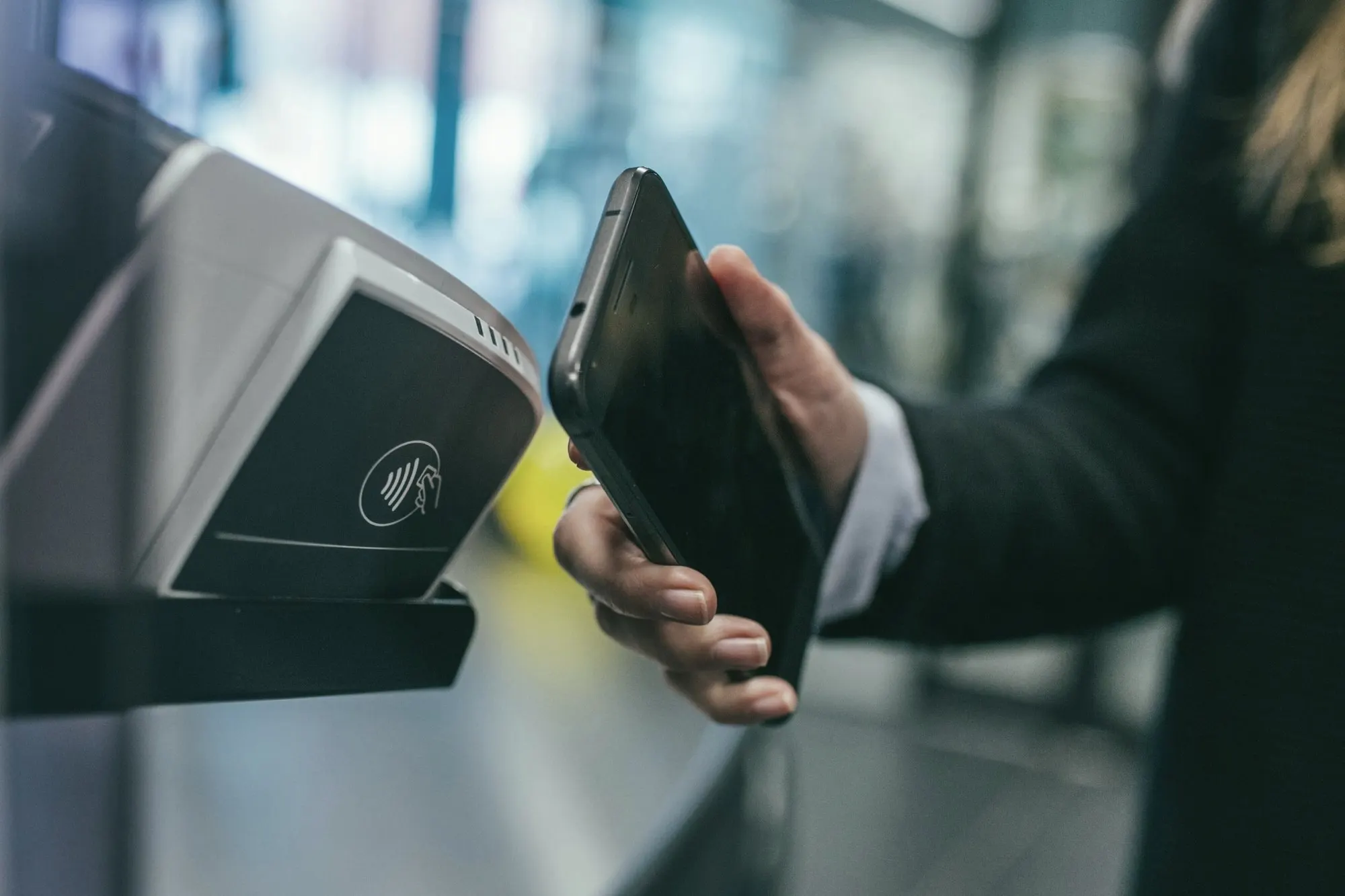
If you’re researching CanPay alternatives, you’re probably not unhappy with one app so much as asking a bigger question: what’s the right mix of payment options for my dispensary? This guide explains what CanPay is, based on its own website, which stores it tends to suit, and the other payment approaches worth comparing, including how Sprout works. It ends with the questions to ask any provider.
This is general information, not legal or financial advice. Product names are trademarks of their respective owners; Sprout isn’t affiliated with or endorsed by CanPay.
What CanPay is
According to CanPay’s website, CanPay offers payment solutions for the state-regulated cannabis industry and other emerging markets. Its core product is the CanPay mobile debit app: a customer downloads the app, links a bank account, and pays at participating retailers from that account. CanPay says the app works for in-store, in-app, online, prepayment, delivery, subscription, kiosk and gift card payments, and it runs a points-based rewards program for users. It also works with financial institutions and technology providers to build out its network.
In short, CanPay is an app-based, bank-account payment model. The customer pays from their bank account through CanPay rather than by swiping or inserting a debit card at a terminal.
Who an app-based option tends to suit
A mobile debit app can be a good fit when:
- your regular customers are comfortable downloading and signing up for an app;
- you want a digital option that works for both online orders and in-store checkout;
- rewards or loyalty features matter to your customers.
It can be less of a fit on its own when many of your shoppers are first-time visitors or tourists who won’t sign up for an app at the counter, or when customers simply expect to use the debit card already in their wallet. That’s why many stores run more than one option side by side.
Payment approaches to compare
Dispensary payments generally fall into a handful of categories. Most stores combine two or three.
| Approach | How the customer pays | Worth knowing |
|---|---|---|
| App-based bank payments | Links a bank account in an app, pays from it | Requires sign-up; works well online. |
| Pay-by-bank (ACH) at checkout | Connects a bank account during checkout | Common for online and repeat customers. |
| PIN debit at a terminal | Inserts or taps a debit card, enters PIN | No app needed; closest to paying anywhere else. |
| Credit acceptance through a cannabis program | Uses a credit card under a specific program | Rules, fees and statement descriptor vary; ask for them in writing. |
| In-store ATM | Withdraws cash with a debit card | Serves cash-preferring and card-less customers. |
| Cashless ATM | Card payment recorded as a withdrawal | Card networks have objected; see our cashless ATM alternatives guide. |
Other providers you’ll come across include pay-by-bank services such as Aeropay, point-of-sale platforms with built-in payments such as POSaBIT, and card processors such as Paybotic. Each takes a different approach, and each page in this series explains one.
How Sprout approaches it
Sprout is built around cards and cash rather than an app:
- Debit card processing at the counter, curbside and on delivery. Customers use the debit card they already carry; no sign-up.
- Credit card acceptance. We explain in writing how transactions are processed, the statement descriptor your customers will see, every fee, and the network and state rules that apply, before you sign.
- Online payments for pickup, delivery and phone orders on the same account, with a lightweight integration on your existing website.
- Dispensary ATMs at no cost to your store: machine, installation, cash, connectivity, maintenance and repairs.
Some stores pair a card setup like this with an app-based option; others prefer to keep checkout to cards and cash. The right answer depends on your customers.
Questions to ask any payment provider
- How is each transaction processed and categorized? Get it in writing.
- What will customers see on their statements?
- What are all the fees, for the store and the customer, and when can they change?
- What does the customer need to do first? An app download, a bank link, or nothing?
- Does it integrate with my point-of-sale and online menu?
- How are refunds and disputes handled?
- What happens if the program changes? Ask how a change would be communicated and handled.
- Is there exclusivity? Can you run other payment options alongside it?
Our guide to choosing a cannabis payment processor goes deeper on each question, and our explainer on cannabis merchant accounts covers the account side.
Next step
If you’d like to see how card payments and a no-cost ATM would work at your store, start an application or request a demo. Every rate and fee is in writing before you sign, and we reply within one business day.
CanPay is a trademark of its owner. Other names mentioned are trademarks of their respective owners. Descriptions are based on each company’s public website as of September 2026; check their sites for current details.
Questions people also ask
What is CanPay?
CanPay describes itself as a mobile debit payment app for the state-regulated cannabis industry and other emerging markets. Customers link a bank account in the app and pay from it at participating retailers, in store, online, for delivery or at a kiosk. See CanPay’s own website for current details.
Can a dispensary use CanPay and card payments at the same time?
Often, yes. Many stores offer more than one way to pay, such as an app-based payment, debit cards at the counter and an ATM in the lobby. Check each provider’s agreement for exclusivity terms and ask how each option fits with your point-of-sale system before you sign.